The board
Underneath the AI is a real board: fast, keyboard-first, real-time. It works as a standalone task manager if you never touch an agent. It has to: this is where you and your agents meet, and it can’t be the slow part.
Statuses
Work flows Backlog → Ready → In Progress → In Review → Done.
- Backlog: captured, not yet actionable.
- Ready: scoped, criteria attached, blockers clear. This is the shelf agents pull from first; if it’s empty, they may pull Backlog tasks that already have acceptance criteria.
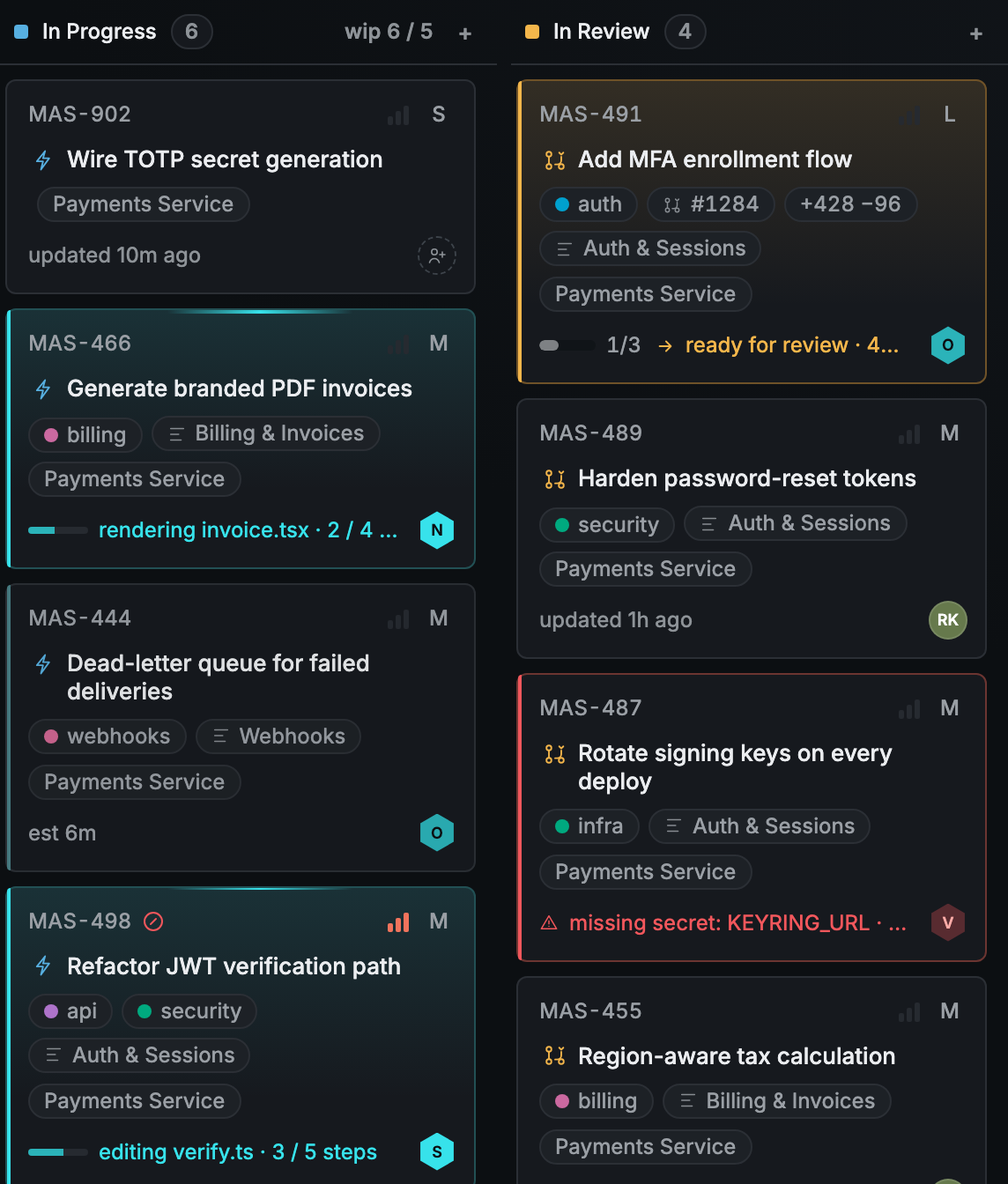
- In Progress: claimed, by a human or an agent. Agent-claimed tasks show live progress as it’s reported.
- In Review: work delivered, awaiting your grade against the criteria.
- Done: verified. Not “the agent said it finished”: you confirmed it.
Nothing is hard-deleted; archived work keeps its history.
Triage: agent work doesn’t self-approve
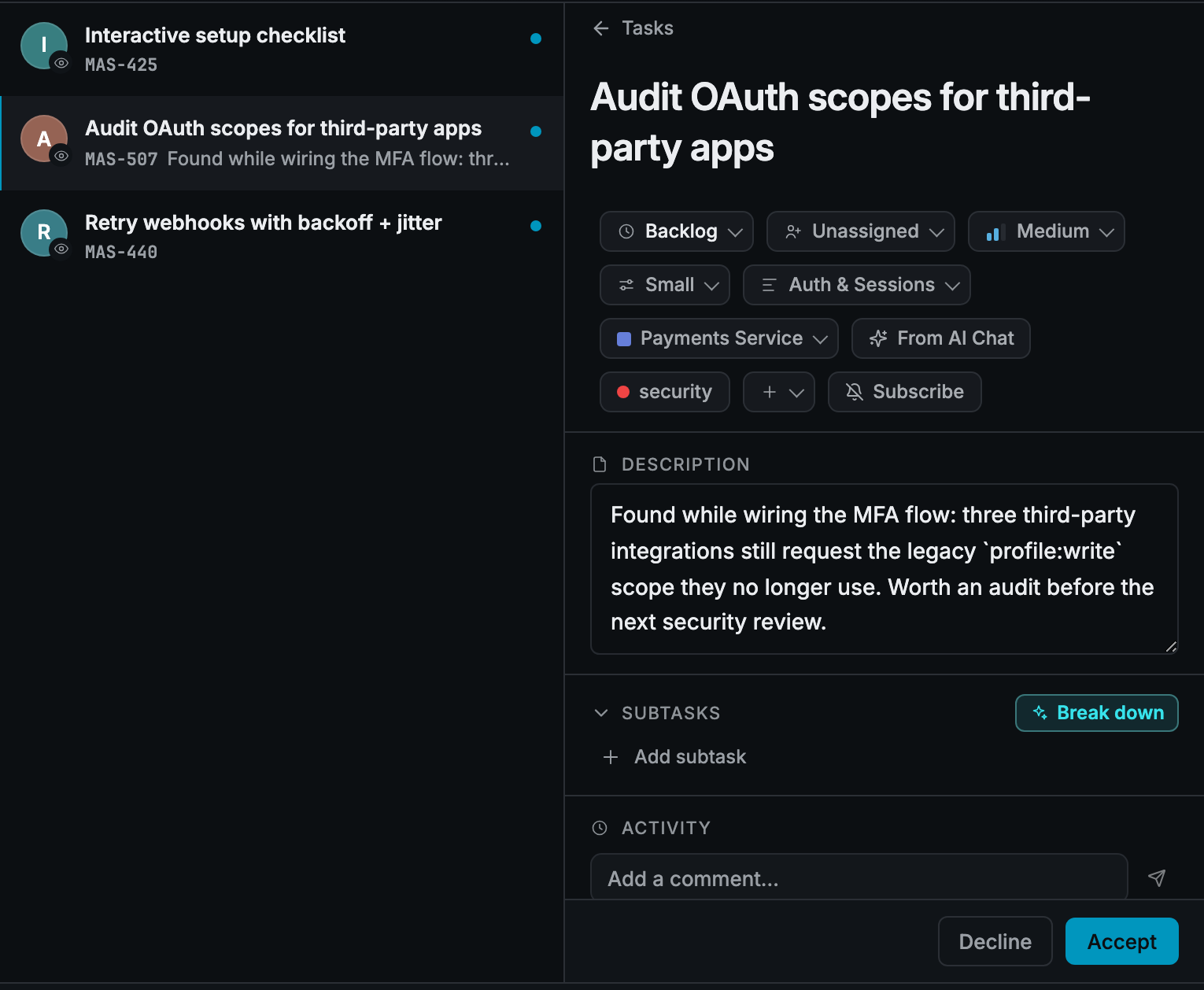
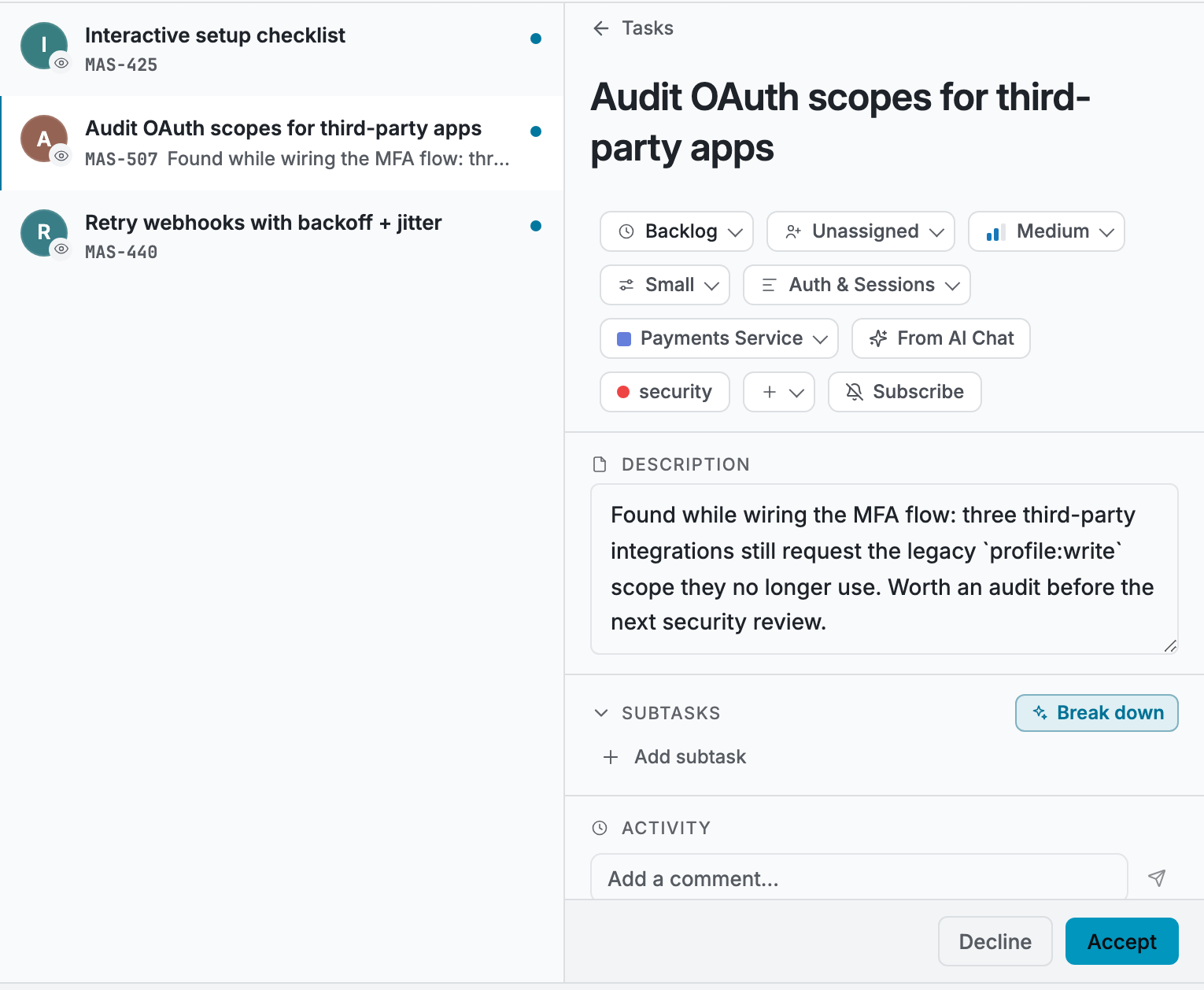
When an agent creates tasks (say it discovers follow-up work mid-task), those don’t land on your board directly. They land in Triage, a holding pen for incoming work. You accept a task into the backlog or decline it. Agents propose; you decide what enters the plan. That’s the default, supervised policy; workspaces can grant more autonomy in settings when they’ve earned trust in the loop.
Keyboard-first
The board is built for hands-on-keyboard use: C to create a task, Cmd+K for the command palette (jump, search, act from anywhere), Cmd+J for the AI panel. If you live in Linear or vim, you’ll feel at home; if you don’t, the mouse works fine too.
Real-time, humans and agents together
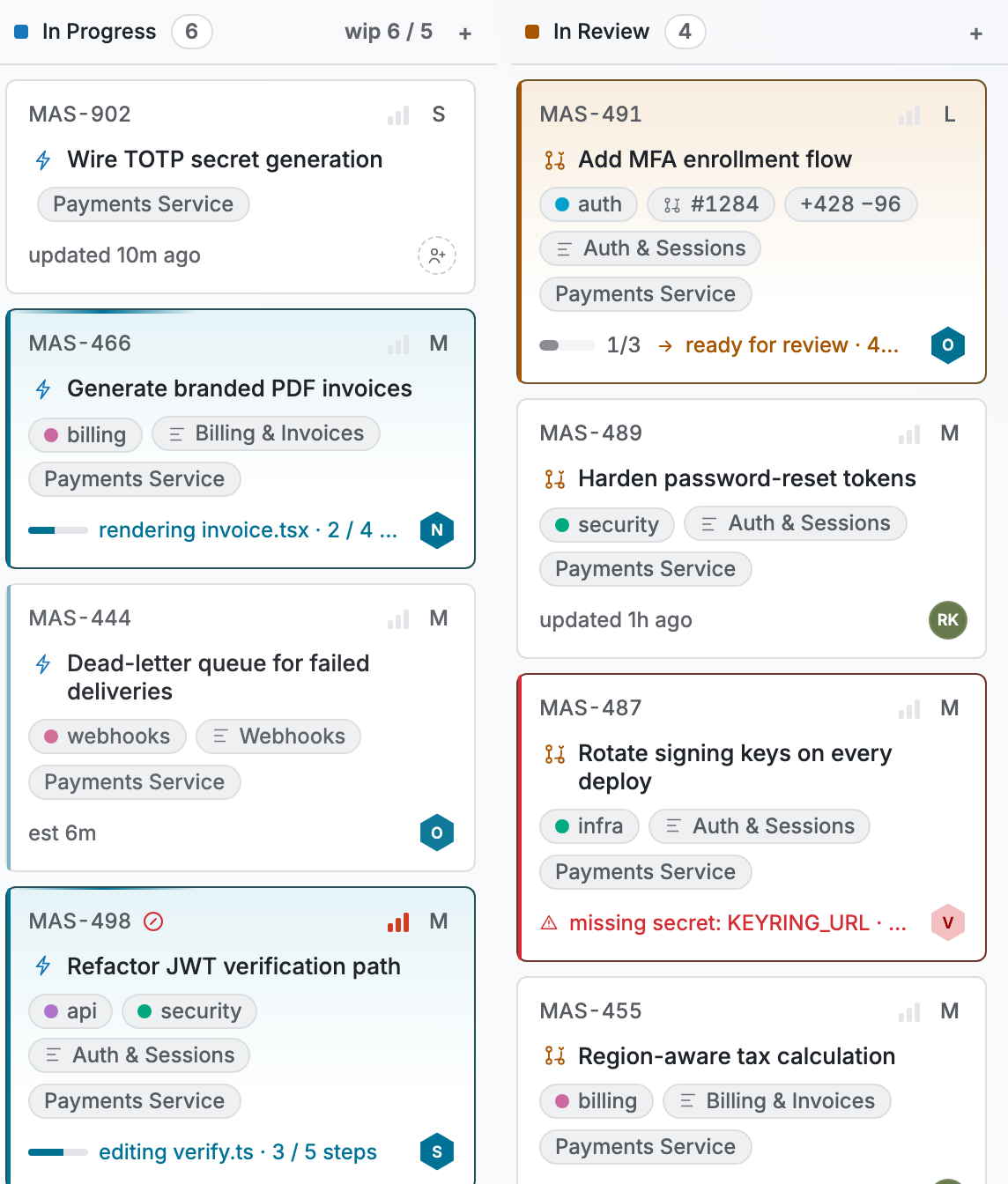
Every change (a teammate dragging a card, an agent posting a progress update, a task unblocking) appears live, no refresh. An agent working a task looks like a teammate working a task: claimed card, progress notes in the activity feed, a hand-off when it’s ready for review. One board, one source of truth, regardless of who’s doing the work.
Everything a hand-off needs, on the card
Open any task: description, acceptance criteria, subtasks, dependencies, labels, priority, complexity, comments from humans and agents. The detail panel is the contract in full, which is exactly what an agent receives when it claims the task.
Tasks get sharper as you write them
Nothing fills your fields the moment you hit create. Ask, and you get help: Suggest — in the create dialog or on an existing task — proposes labels from your vocabulary, an estimate, and up to three acceptance criteria as chips you take one at a time.
The one thing Masaro does unasked is at the hand-off: when an agent claims a task that has neither a summary nor criteria, it drafts the one-line summary (only where you left it blank — a field you or an agent set is never overwritten) and proposes criteria as suggestions you accept or dismiss. Backlog grooming does the same sweep on a schedule, if you switch it on. Nothing enters the contract without your sign-off; your words stay yours.